Pi Pico Projects
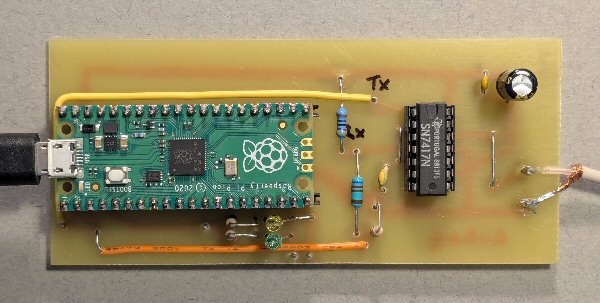
Pi Pico used to send CI-V data (with 7417 TTL buffer) to IC7300 or IC9700 Radio
Start up notes:
1. if your Pi Pico is brand new download the UF2 file (see Pi Pico web site)
2. download Thonny on your computer
3. run Thonny and then plug in the Pi Pico
4. check to see Pi Pico detected (if not select it from bottom right of screen)
5. download one of my programs below
6. open it up in Thonny
7. read the comments and notes in my code for each program
8. press the green triangle to run it on the Pi Pico
9. if you want to save it on the Pi Pico (so it will run without a computer)
select 'save as' then choose Raspberry Pi Pico and then save the file as main.py
(remember the .py on the end!)
 Pi Pico page |
 1mW 1296 MHz beacon |
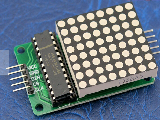 MAX7219 LED display |
 MAX7219 LED display video |
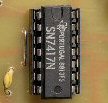 Icom CI-V projects |
 more soon |
more soon |
 3D printed solder holder |
 PIC page |
 The X-files |
 Amateur radio projects |
NOTE: Although none of the experiments shown in this site represent a great hazard, neither the Creative Science Centre,
Jonathan Hare nor The University of Sussex can take responsiblity for your own experiments based on these web pages.
THE CREATIVE SCIENCE CENTRE
home | diary | whats on | CSC summary | latest news